
Alpine is a messaging tool that focuses on screens. Alpine includes a wide range of configurable "power-user" and personal-preference capabilities, but its default configuration purposely restricts the functionality it delivers to the beginner user. A variation of Alpine called alpine substitutes to function keys for single-letter mnemonic instructions. The standard feature set of Alpine includes: Viewing, saving, exporting, deleting, printing, replying, and forwarding messages. Use Pico, a basic editor with word-wrapping and a spell-checker, to write messages. Messages may be put off until a later time. Management and selection of message folders in full screen.
What is Alpine?
Alpine is a Linux command-line email client that is fast, easy to use, and efficient. It's a development of the classic Pine email client, but licensed under the Apache License. Alpine exists within your terminal, so you don't require a fancy graphical interface to read, send, or sort emails. It’s perfect for Ubuntu users who prefer keeping their hands on the keyboard and want a lightweight email solution.
- Beginner-Friendly: Its default settings are simple, so new users can start without feeling overwhelmed.
- Powerful Features: Advanced users can customize it with such as opening several email accounts or building email folders.
- Text-Based Interface: Employs a text user interface (TUI) for simple navigation using keyboard controls.
- Email Management: View, save, export, delete, print, reply, and forward emails.
- Pico Editor: Included with Pico, an easy-to-use text editor which has word-wrapping and spell-checking for composing emails.
- Message Delay: Save drafts and send the email at a later time.
- Folder Management: Group emails in full-screen message folders.
- Protocol Support: Supports IMAP, SMTP, and TLS for secure messaging.
How to install Alpine on Ubuntu
On Ubuntu 20.04, there are three options for installing abs-guide. Apt-get, apt, and aptitude are all available. Each strategy of installation will be described in detail in the following sections. You may select any of them.
- Using apt-get to install
- Using aptitude to install
- Using apt to install
Method 1: Using the apt-get command
apt-get is a classic package manager for Ubuntu, perfect for installing software like Alpine.
Step 1: Update the Package Database
To make sure you’re getting the latest version of Alpine, update your system’s package list:
sudo apt-get update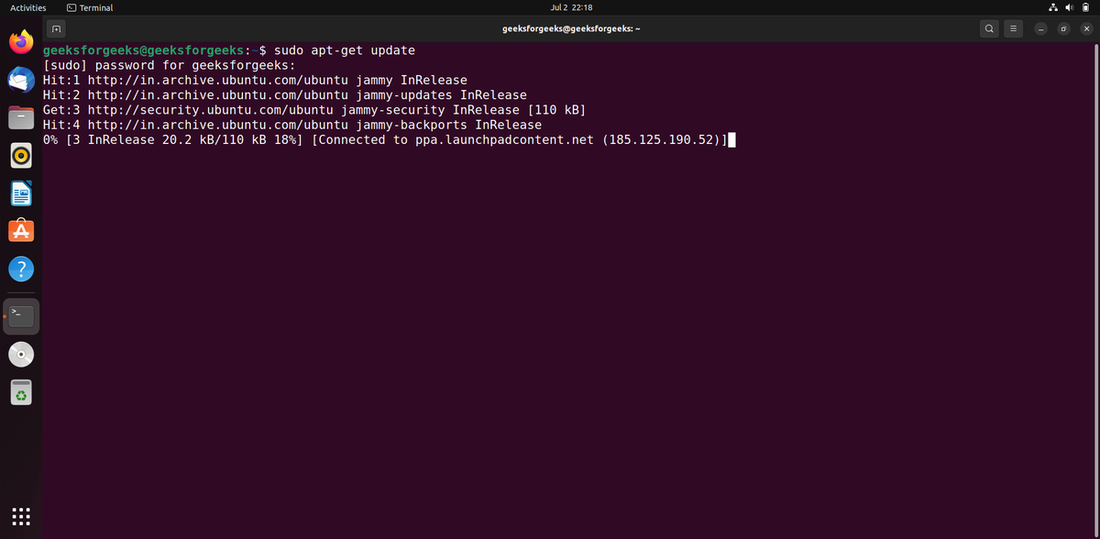
Step 2: Install Alpine
Now, install Alpine with this command:
sudo apt-get -y install alpine- -y: Automatically agrees to installation prompts, saving time.
- alpine: The package name for the Alpine email clien

Method 2: Install Alpine Using apt
apt is a newer, user-friendly version of apt-get, designed for interactive use in the terminal.
Step 1: Update the Package Database
Update your package list to ensure you get the latest software:
sudo apt update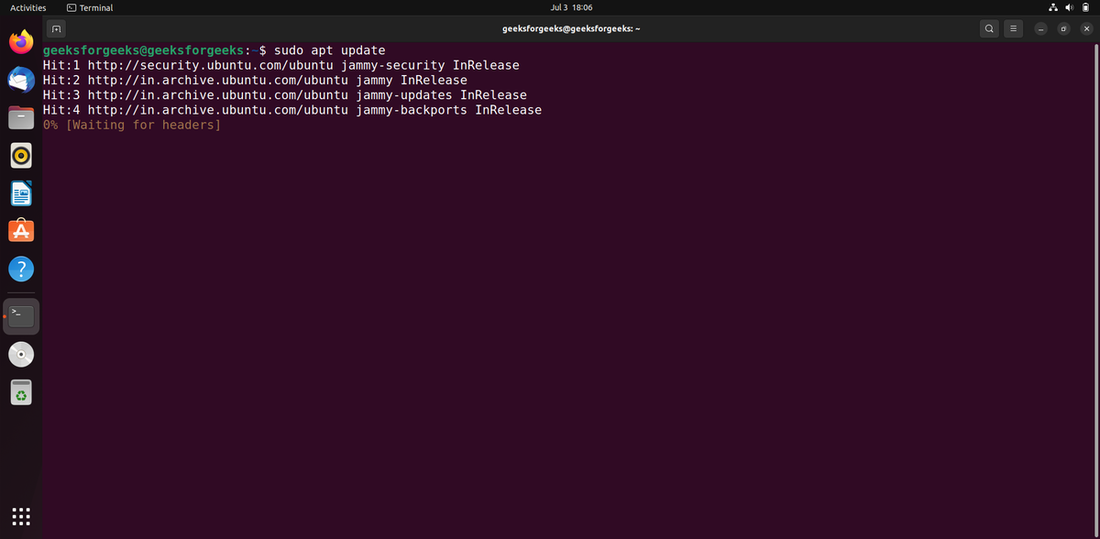
Step 2: Install Alpine
Install Alpine with:
sudo apt -y install alpine

Method 3: Install Alpine Using aptitude
aptitude is another package manager that offers a more interactive way to manage software. It’s not always installed by default, so you may need to add it first.
Step 1: Install and Update aptitude
If aptitude isn’t on your system, install it:
sudo aptitude update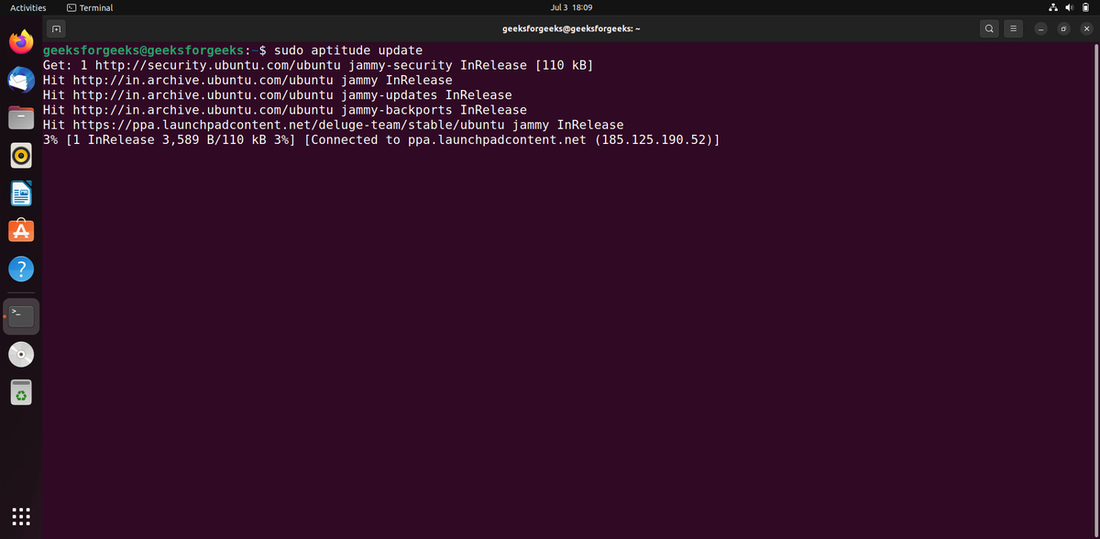
Step 2: Install Alpine
Install Alpine using aptitude:
sudo aptitude -y install alpine
Why Choose Alpine?
Alpine is at the top of command-line email clients in Ubuntu because it's:
- Lightweight: Perfect for low-end machines or Linux servers.
- Easy to Use: Simple to learn for new users, its text-based interface easy to manage.
- Feature-Strong: Supports IMAP, SMTP, and TLS support, as well as folder functionality sophisticated.
- Free, Open-Source: Licensed under the Apache License and supported by community-coded codebase.
Conclusion
Alpine is a great text-based email client for Ubuntu, combining simplicity for beginners with powerful features for advanced users. In this article you’ve learned how to install Alpine using apt-get, apt, or aptitude, and how to set it up for IMAP and SMTP email accounts. From viewing emails to composing with Pico, Alpine offers a lightweight, keyboard-driven way to manage your inbox.